
Build 14: rotated logs open as text, and a lot of hardening
Compressed files open like the file inside
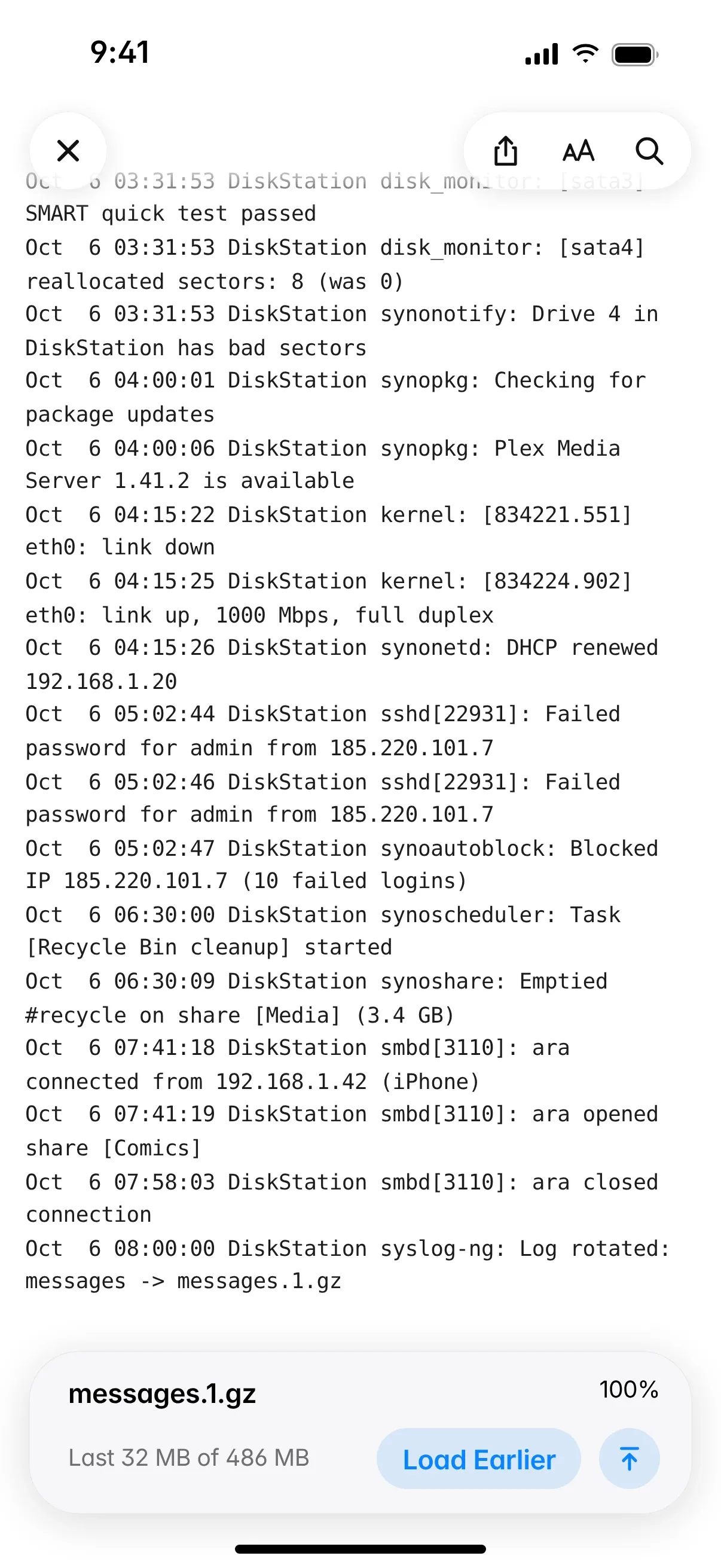
Tap a single .gz, .bz2, .xz, .zst or .lz4 and it opens in the viewer for whatever is inside, decoded as it’s read. That rotated messages.1.gz or .log.gz opens straight in the text reader instead of Quick Look, no unzipping on a computer first.
Your files stay yours
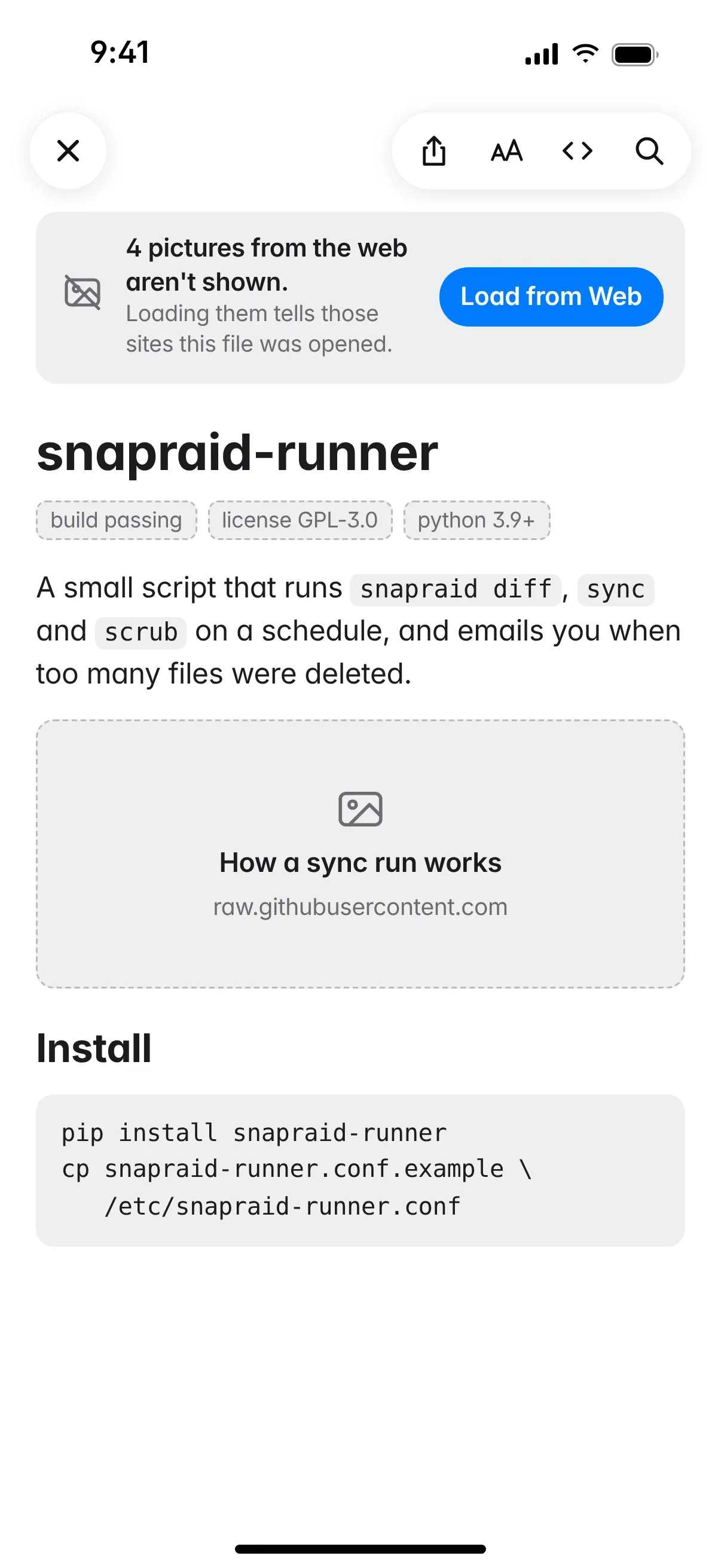
- A Markdown or AsciiDoc README no longer fetches pictures from the web on its own, since that tells someone’s server you opened the file. Badges and banners wait as placeholders until you tap Load from Web.
- The Markdown reader never runs scripts from files on your NAS.
- The Face ID lock on the Files app can’t be skipped by setting the clock back.
- Share link passwords are sent to DSM the safe way, and a crafted disk image or zip can no longer crash the app.
Browsing
- Opening a file keeps the list as it was, with a spinner on the row you tapped, instead of greying everything out.
- A
.cbrthat’s really a zip now shows its cover as a thumbnail, the same page the reader opens on. - Whole-NAS search on DSM returns results instead of an error.
Accessibility
At the largest text sizes, long file names and their size and date wrap instead of shrinking to a few letters, and the photo info panel puts each label above its value.
Fixes
- Dragging the scrubber while the reader’s controls fade no longer crashes the app.
- A VLC video coming back from Picture in Picture lands square, without rounded corners lingering and popping away.
- VLC’s “couldn’t play this file” error shows in German, French and Traditional Chinese.